
How to Create a New Document in Goodnotes?
Goodnotes is a well-known app that serves as a medium for taking notes, planning activities, and setting future goals on tablets, especially on the iPad. To create a new document in Goodnotes, please follow these steps:
* Open the Goodnotes app. Make sure you are logged in and registered in the application.
* Select New.
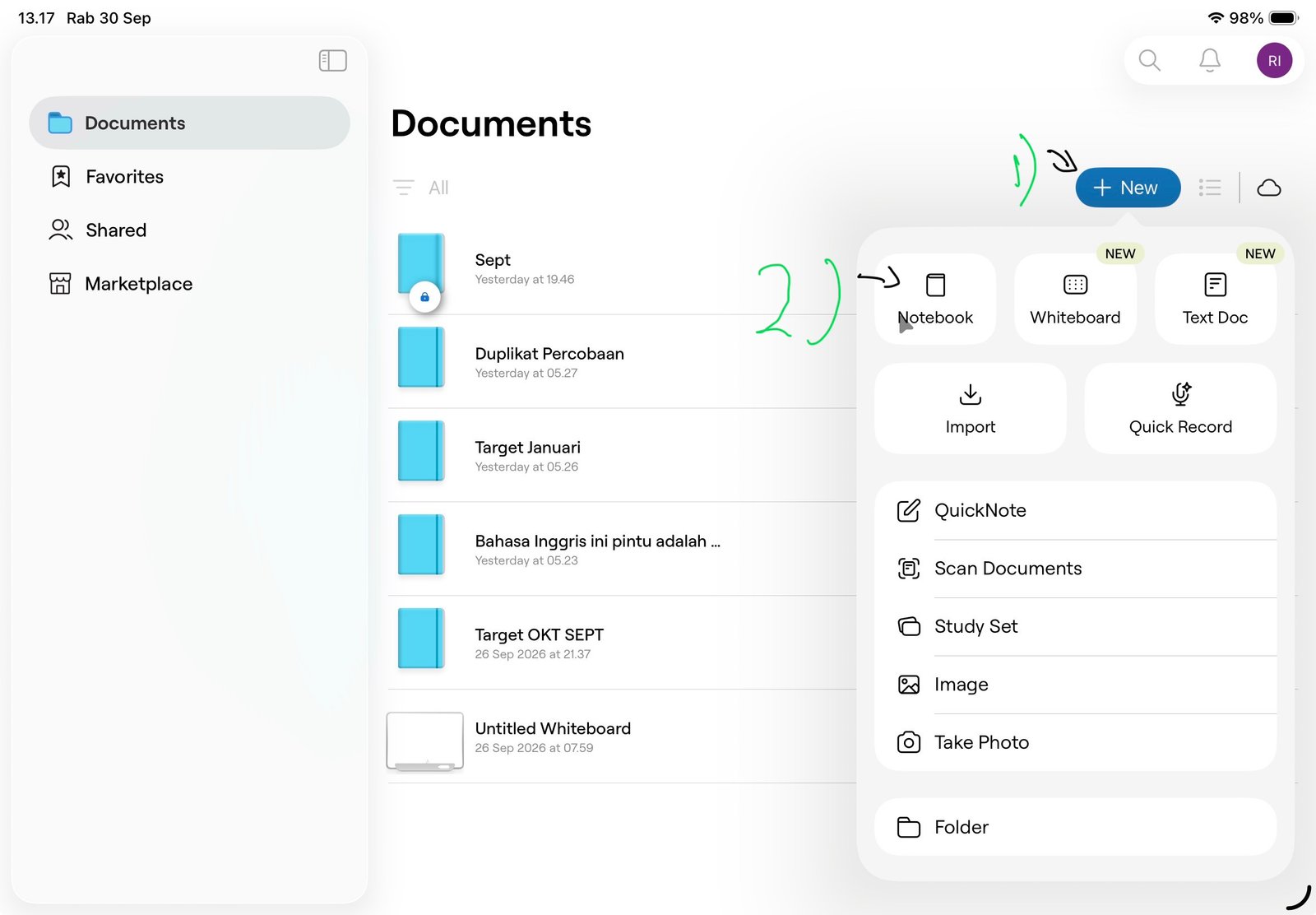
* Select Notebook.
* Enter a file name for the Notebook.
* Choose the paper type to use (in our video, we chose Squared Paper).
* Tap the blue checkmark in the top right corner.
Your new file or document is now ready for note-taking in Goodnotes. That is how you create a new document in the Goodnotes app. In addition to creating new documents, you can also create presentations using the whiteboard feature, which provides a very large canvas or writing area. Give it a try, and good luck!